Once your indoor camera records an event, that video file has to go somewhere. The industry is currently split between two primary methods of data retention: saving files remotely to servers maintained by the manufacturer (Cloud Storage), or saving them directly to a physical memory card inserted into the camera or a local hub (Local Storage). The route you choose dictates ongoing costs, network reliance, and ultimate control over your data.
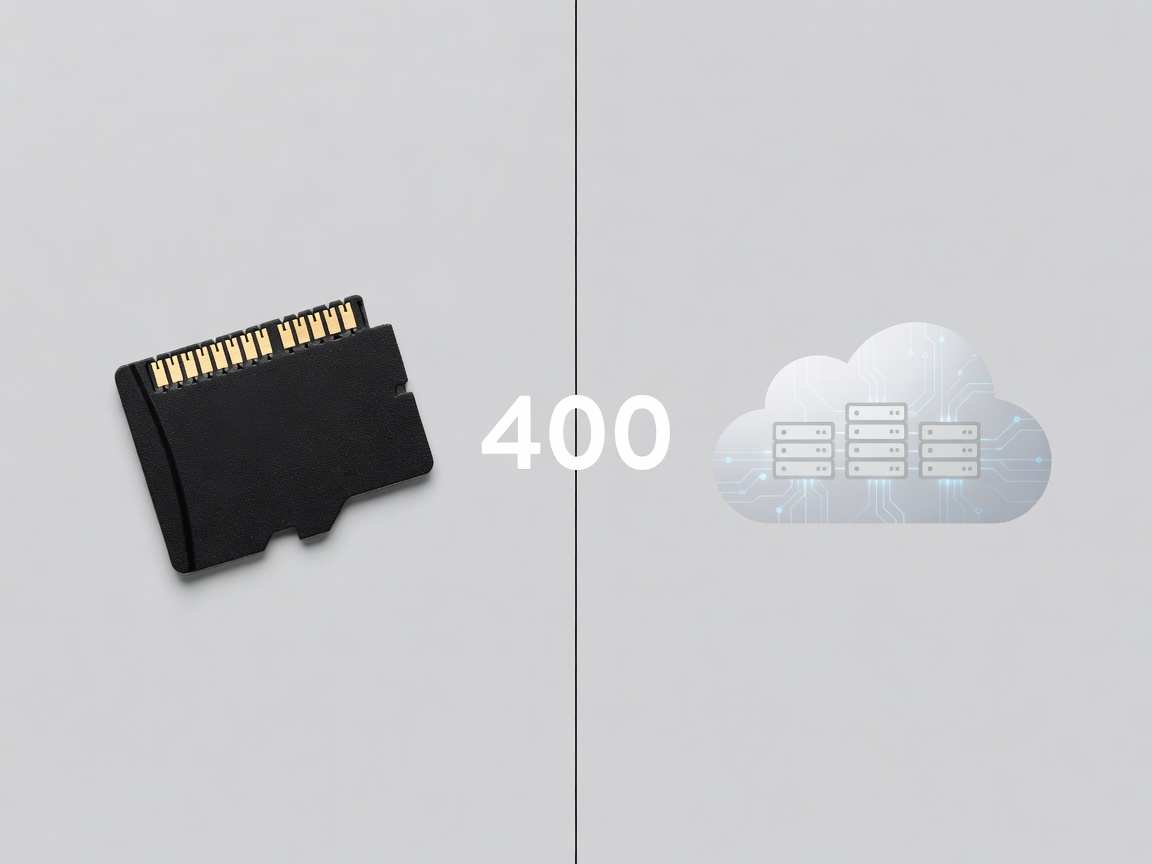
Cloud Storage: Convenience at a Cost
Cloud storage works by instantly uploading recorded clips over your Wi-Fi network to a secure, remote server. When you open your app to view past events, you are downloading or streaming those files from the cloud.
The Pros of Cloud Storage
- Theft Protection: If an intruder breaks into your home and steals the physical camera, the footage of them committing the crime is already safely stored off-site.
- Advanced AI Features: Many manufacturers process video on their powerful cloud servers rather than on the camera's basic internal chip. This unlocks advanced features like person detection, package detection, and facial recognition.
- Zero Maintenance: You never have to worry about formatting an SD card or dealing with corrupted physical memory.
The Cons of Cloud Storage
- Recurring Fees: Cloud storage almost always requires a monthly or annual subscription. Over a few years, these fees can easily exceed the initial cost of the hardware.
- Internet Dependency: If your home Wi-Fi goes down, or your internet service provider experiences an outage, cloud cameras cannot upload footage. Unless they have a local backup, that recording is lost.
- Privacy Concerns: You are trusting a third-party corporation to securely store potentially sensitive footage of the inside of your home.
Local Storage: One-Time Cost and Total Control
Local storage relies on physical media—most commonly a MicroSD card inserted directly into the back or bottom of the camera unit.
The Pros of Local Storage
- No Subscription Fees: Once you purchase the MicroSD card, you are done paying. There are no ongoing operational costs.
- Offline Reliability: If the internet drops, a camera with local storage will continue recording events to its internal card (assuming it still has power).
- Data Sovereignty: Your video files never leave your property unless you explicitly download and share them. This appeals heavily to privacy-conscious users.
- Continuous Recording: Cloud services typically only record short clips when motion is detected. Local storage allows for 24/7 continuous recording, rewriting the oldest data when the card gets full.
The Cons of Local Storage
- Vulnerability to Theft/Damage: If the camera is destroyed or stolen, the footage goes with it. (Some systems solve this by recording to a secure, hidden local hub rather than the camera itself).
- Hardware Failure: SD cards have a limited lifespan, especially when being continuously overwritten 24/7. They will eventually corrupt and need replacing.
The Hybrid Approach
The ideal setup for many homeowners is a hybrid approach. Some modern cameras allow you to record continuously to a local SD card, while simultaneously uploading short, motion-triggered clips to a free or low-tier cloud service. This ensures you have 24/7 history available locally, but retains a cloud backup of critical events in case the hardware is compromised.