Installing security cameras inside your home introduces a complex paradox. You are introducing surveillance equipment into your most intimate spaces to feel safer, but the presence of an always-watching lens can simultaneously erode your sense of privacy. Navigating this tension is crucial for anyone setting up an indoor monitoring system.
The Importance of Physical Privacy Shutters
Software-based "sleep modes" or "off toggles" in an app provide a baseline level of control, but they rely entirely on trusting the software and the network connection. If a camera is hacked, or if a software glitch turns the camera back on, you might be monitored without knowing it.
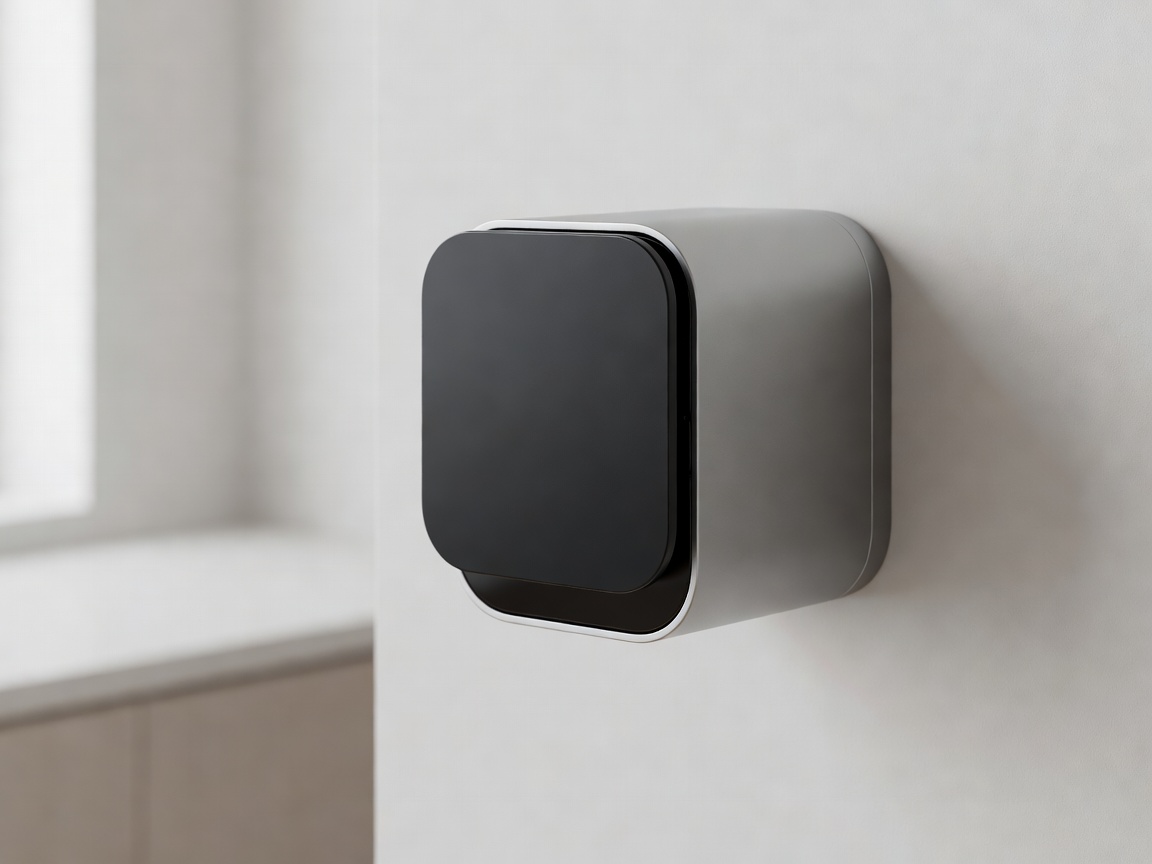
The most robust solution to this problem is a physical privacy shutter. This is a solid, mechanical piece of plastic or metal that slides over the lens, physically blocking the camera's line of sight. Some modern indoor cameras feature automated physical shutters that audibly click into place when you set the system to "Home" mode. If the shutter is closed, it is physically impossible for the camera to capture video, providing absolute peace of mind.
Geofencing and Automated Scheduling
Remembering to manually disable indoor cameras when you walk through the door is tedious and prone to human error. Modern camera ecosystems utilize features like Geofencing to automate this process.
- Geofencing: The camera's companion app uses your smartphone's location data to create a virtual boundary around your home. When your phone crosses inside this boundary (meaning you have arrived home), the cameras automatically disable. When you leave, they arm themselves.
- Scheduling: If geofencing is unreliable for your household, scheduling is a powerful alternative. You can set indoor cameras to activate only during specific hours—for example, from midnight to 6:00 AM, or during your typical 9-to-5 working hours.
Ethical Camera Placement
Where you put a camera is just as important as how it operates. The goal of indoor security is usually to monitor access points, not to track your family's daily movements.
Avoid placing cameras in private areas such as bedrooms or bathrooms under any circumstances. Even living rooms can feel intrusive if a camera is pointing directly at the main sofa. The best placement for indoor cameras focuses on high-traffic, transitional zones:
- Pointing towards the front and back doors from the inside.
- Monitoring main hallways or staircases.
- Focused on specific valuables (like a safe or art piece) rather than wide-angle room views.
Audio Privacy and LED Indicators
Video isn't the only concern; audio recording is a significant privacy issue. In many jurisdictions, recording a conversation without consent (especially in areas where there is an expectation of privacy, like a home) is legally precarious. Most cameras allow you to disable the microphone entirely in the settings menu, which is highly recommended for indoor units unless specifically needed (e.g., for a baby monitor).
Additionally, always ensure the status LED indicator is active. This small light lets everyone in the room know when the camera is powered on and recording. Disabling the status LED on an indoor camera creates a hidden surveillance environment, which damages trust among household members and guests.
Conclusion
True indoor security respects the sanctuary of the home. By leveraging physical shutters, smart automation, and ethical placement, you can secure your property while ensuring your home remains a private, comfortable space for everyone who lives there.